In the app drawer
Each Android app has its own entry in the app drawer, next to your Ubuntu Touch apps.
Each Android app gets its own entry in the Ubuntu Touch app drawer. You use it with the touchscreen and an Android on-screen keyboard, and share files through Content Hub.
The closed alpha runs on 64-bit Ubuntu Touch 24.04, and we test on a Fairphone 4. The open alpha starts in 2026, and Drion will be free for Ubuntu Touch users.
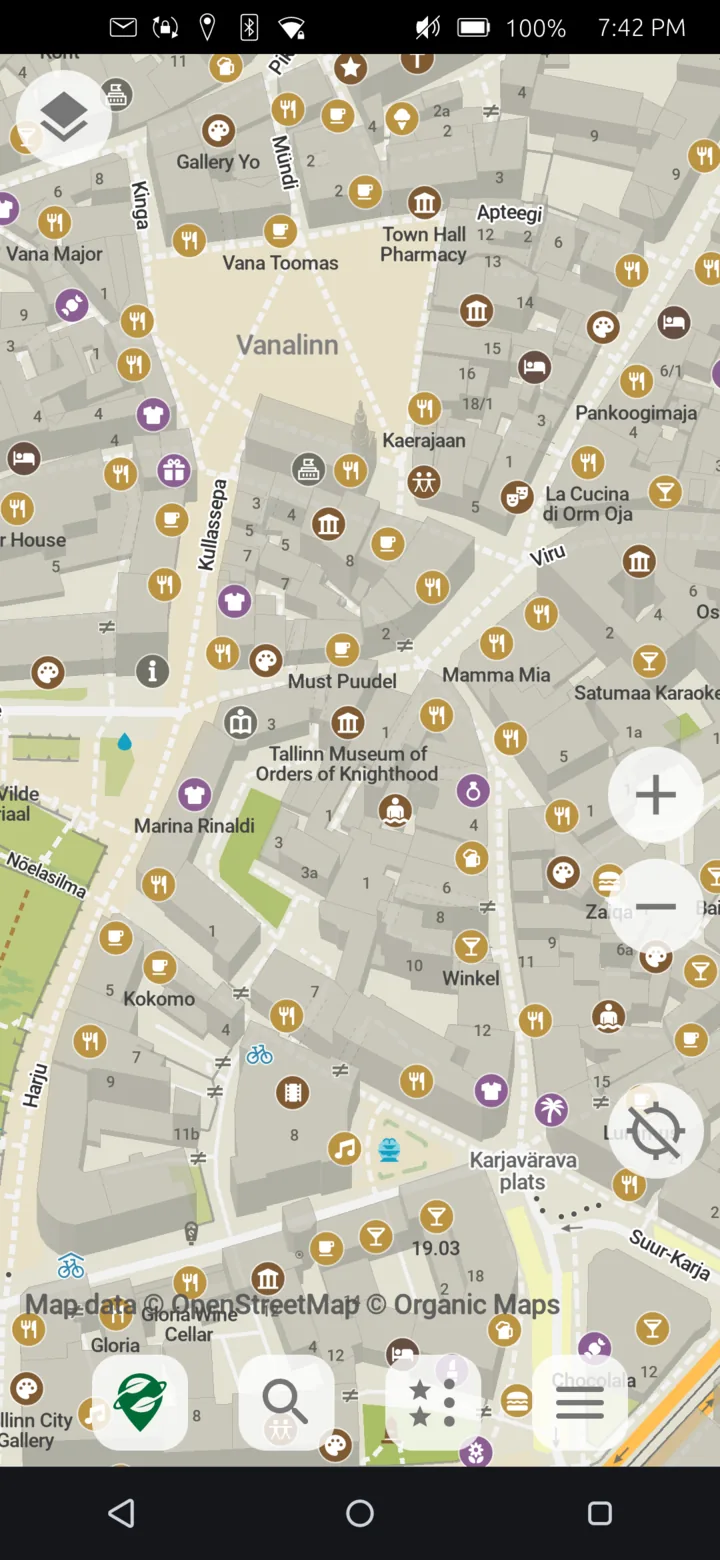
Each Android app has its own entry in the app drawer, next to your Ubuntu Touch apps.
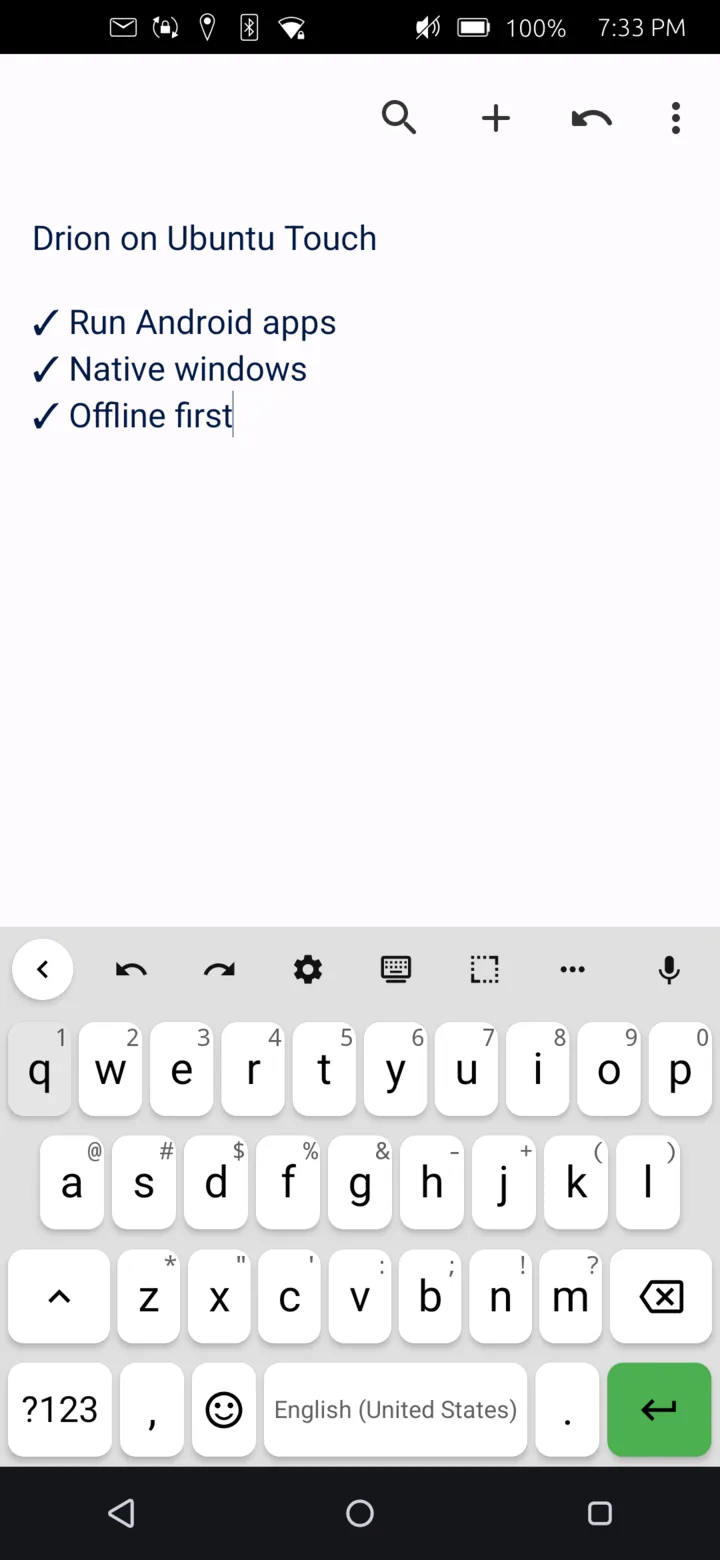
Drion’s own interface is adapted for touch, and Android apps get touch input and an Android on-screen keyboard.
Send files between Android apps and Ubuntu Touch apps through Content Hub.
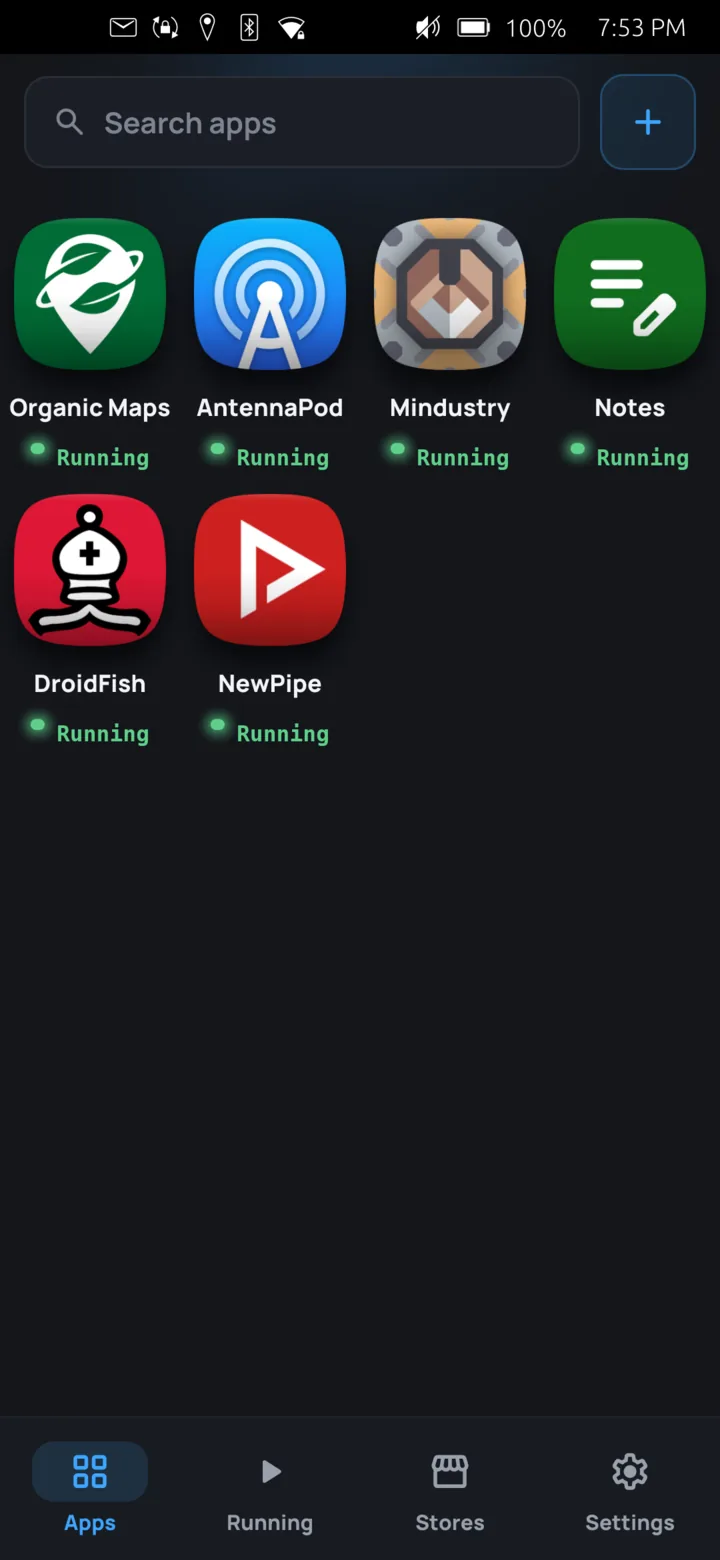
Keep several Android apps open at the same time. Each one runs in its own maximized Lomiri window, and Drion’s app list shows which of them are running.
How Drion connects to your systemSome of the apps and games we’ve seen working in our test builds. These results are for Drion as a whole, not for Ubuntu Touch alone.
Have an app in mind? Tell us what you want to use.
Android apps take the phone’s touch input. When you tap a text field, an Android on-screen keyboard opens. On supported hardware, apps can also use the camera, microphone, location, contacts, calendars, vibration and motion sensors. What works depends on the device.
The open alpha starts in 2026. Join the Drion waitlist and we will email you when it does. We test on a Fairphone 4 and check other phones one at a time.
It installs like any other Ubuntu Touch app. You don’t need root, and nothing changes in the read-only system image.
Each alpha update comes with instructions. To remove Drion, uninstall it the usual way, again without root.
Copy and paste works between Android apps. Copying between an Android app and a native Ubuntu Touch app does not work yet.
An Android alarm goes off while the phone is awake. It can’t wake a phone that has already suspended.
Some NFC and USB features work, but contactless payments and connecting the phone to a car through Android Auto do not.
Drion installs as a regular click package, without root access, reflashing, or changes to the read-only system image. The current build targets 64-bit Ubuntu Touch 24.04, with Fairphone 4 as the reference device. Other models are tested individually.
Android apps get their own entries in Ubuntu Touch’s app drawer, and Content Hub handles file sharing. Text copy and paste works between Drion apps; clipboard sharing with native Ubuntu Touch apps is not yet supported.
Drion brings Android apps into your existing environment, with app-menu entries, system audio and input, notifications, and link handling.
On Linux desktops, apps can exchange text through the system clipboard. On Ubuntu Touch, file sharing is integrated through Content Hub. The available integrations are tailored to each platform.
Not yet. Drion can deliver alarms while the device is awake, but it cannot wake a phone that has already suspended. In that case, the alarm is processed after the phone wakes.
For wake-up alarms, use Ubuntu Touch’s native alarm app.
Drion is in closed alpha on Ubuntu Touch, and the open alpha starts in 2026. It will be free for Ubuntu Touch users.