Designed for Gaming Mode
Drion’s Steam Deck profile is designed for Gaming Mode and for getting around with the controller.
Drion has a Steam Deck profile designed for Gaming Mode. Apps run fullscreen, and you use them with the Deck’s controls or the touchscreen.
There is no SteamOS release yet. We build and test on Steam Deck first.
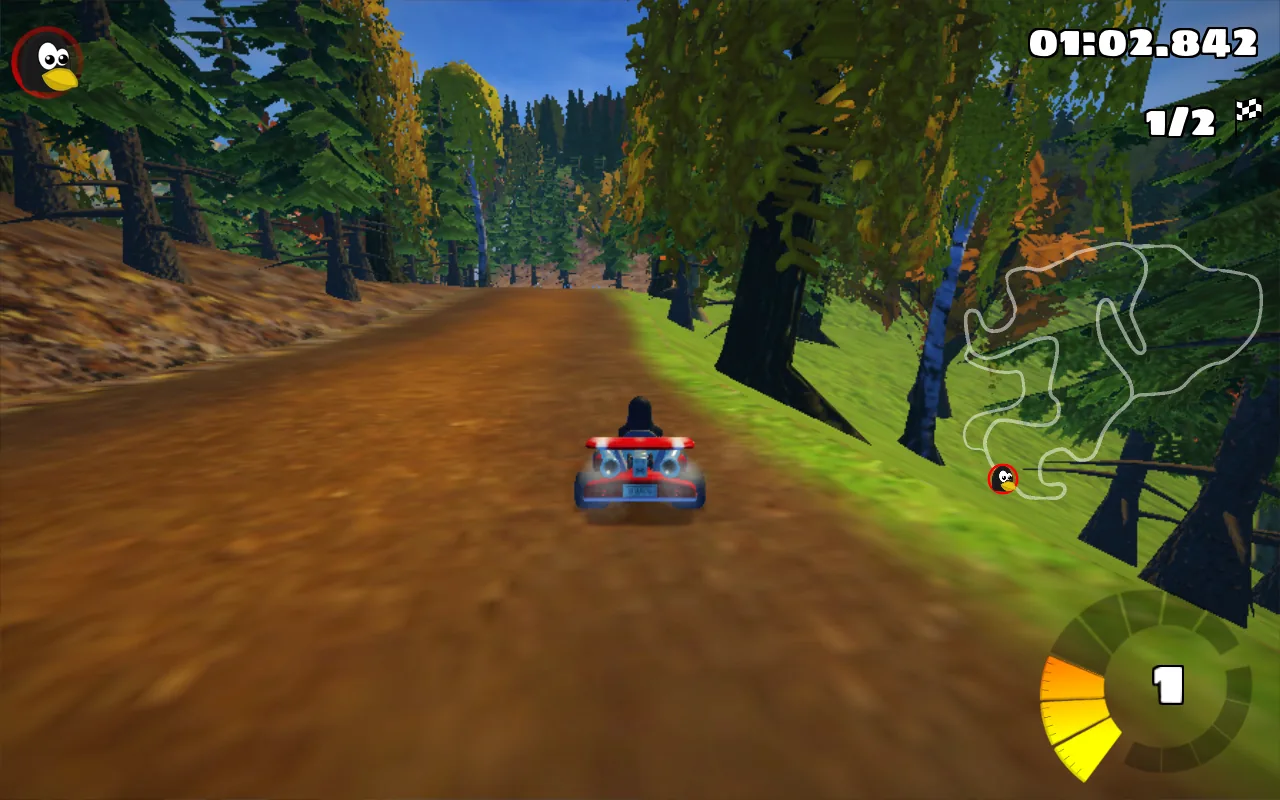
Drion’s Steam Deck profile is designed for Gaming Mode and for getting around with the controller.
Apps open fullscreen inside Gamescope and render on the Deck’s GPU.
Move around Drion with the Deck’s controls. Type with the touchscreen or the on-screen keyboard.
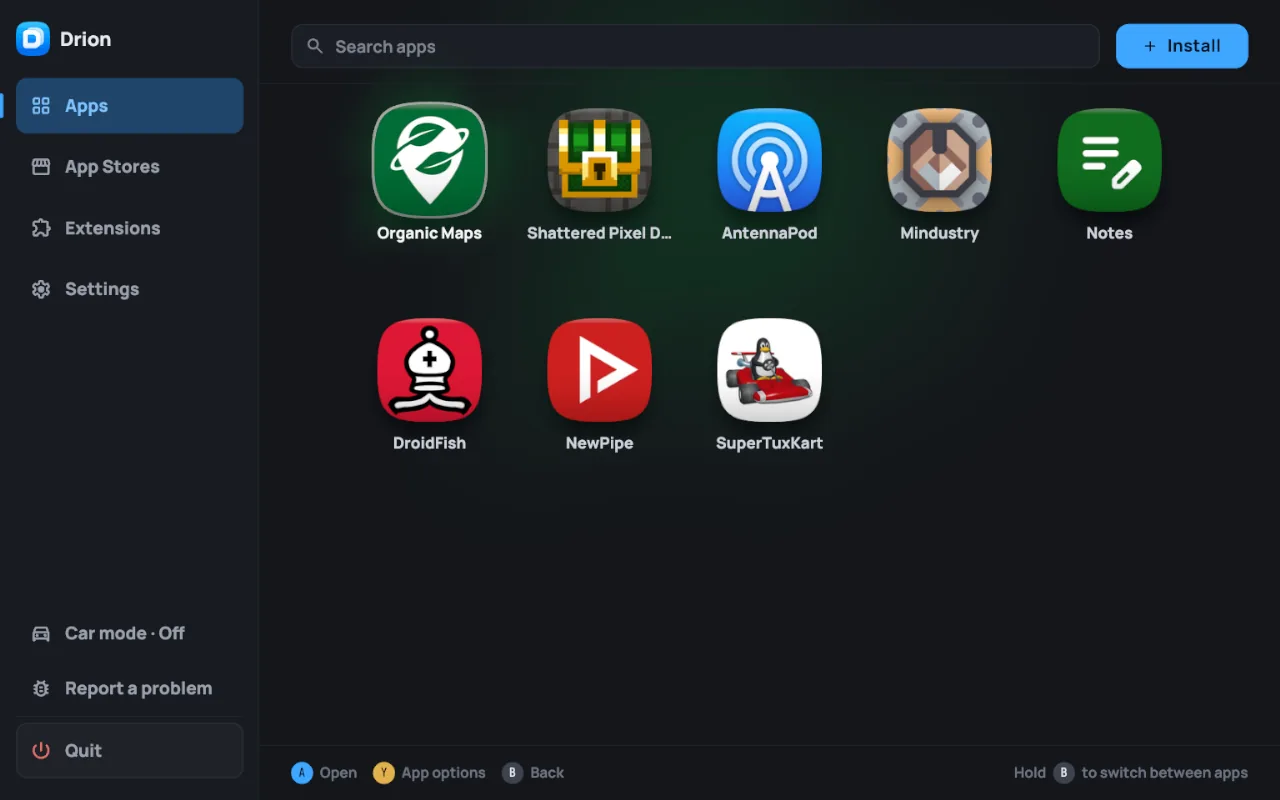
Choose an Android app or game in Drion and it opens fullscreen, with input from the Deck’s controls.
How Drion connects to your systemSome of the apps and games we’ve seen working in our test builds. These results are for Drion as a whole, not for SteamOS alone.
Have an app in mind? Tell us what you want to use.
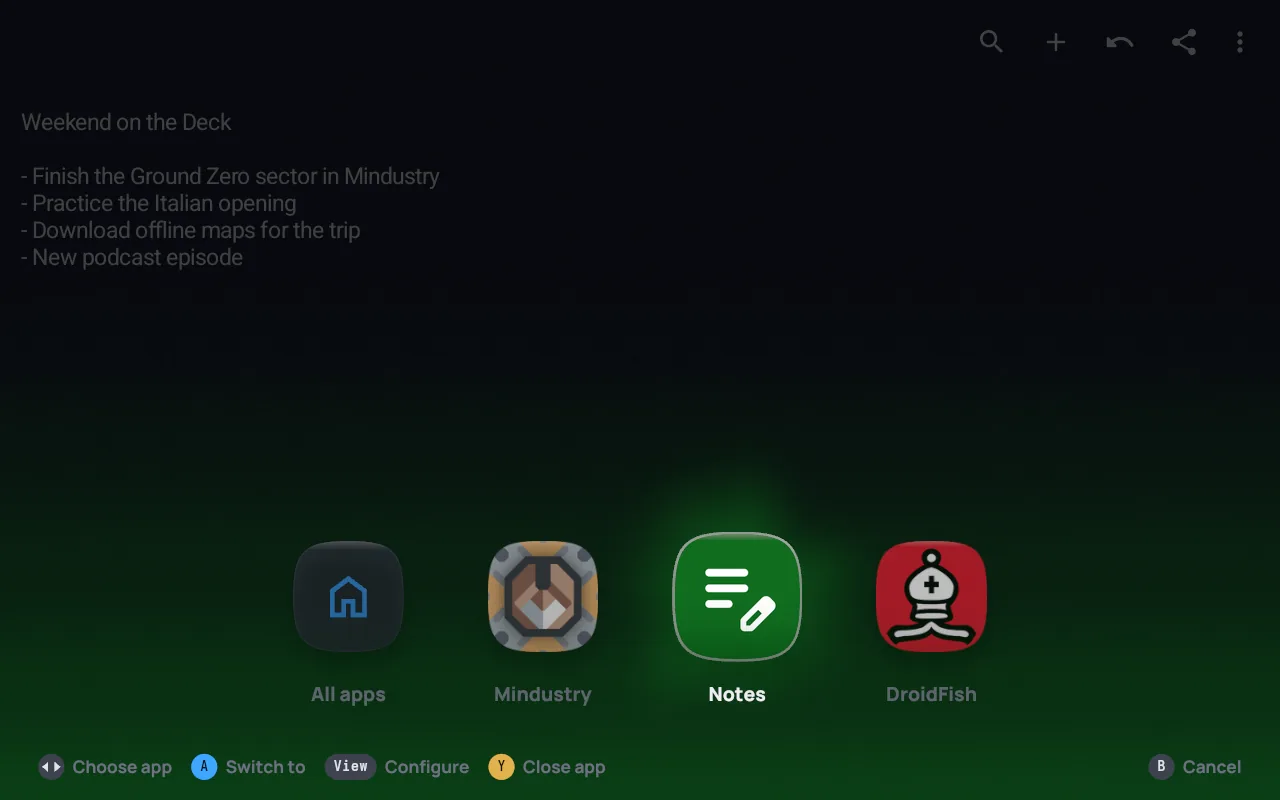
Jump back to the Drion interface without closing the app, then return to it. For text, there is an Android on-screen keyboard.
There is no SteamOS build yet. Join the Drion waitlist and we will email you when there is.
Tell us your Steam Deck model and the Android apps or games you want to run.
When a build ships, it comes with install steps for SteamOS.
Drion supports GPU graphics and controllers. Whether a given game runs also depends on the graphics it needs and on its anti-cheat or copy protection.
The controller works for getting around Drion. Controls inside each game are still checked title by title.
How notifications appear, and what apps do while the system sleeps, varies by platform.
Drion has a dedicated Steam Deck profile designed for Gaming Mode and controller navigation.
Apps open fullscreen, use the device’s GPU, and receive input from its controls. You can switch between an app and the Drion interface without closing the app. An Android on-screen keyboard is available for text input.
Yes. Drion passes keyboard, mouse, touchscreen, and controller input to Android apps.
On desktop, apps run in regular resizable windows. On Steam Deck, you can navigate Drion’s interface with a controller. Touch-focused platforms use a mobile interface and an on-screen keyboard.
Yes. Drion supports GPU-accelerated Android graphics, touch input, and controllers.
On compatible graphics stacks, frames can be passed to the display without copying their pixels through the CPU, making effective use of the device’s hardware for both app interfaces and 3D games. Compatibility with an individual game also depends on its graphics requirements and protection mechanisms.
There is no SteamOS release yet. Join the Drion waitlist for news about Steam Deck builds.