Ordinary windows
Each Android app opens in its own resizable window, next to your Linux apps.
Install a regular APK and it opens in its own resizable window on your Linux desktop. Drion’s desktop profile runs on Wayland and uses the host’s input, audio and notifications.
The closed alpha runs on x86_64 Linux desktops with Wayland. The open alpha starts in 2026.
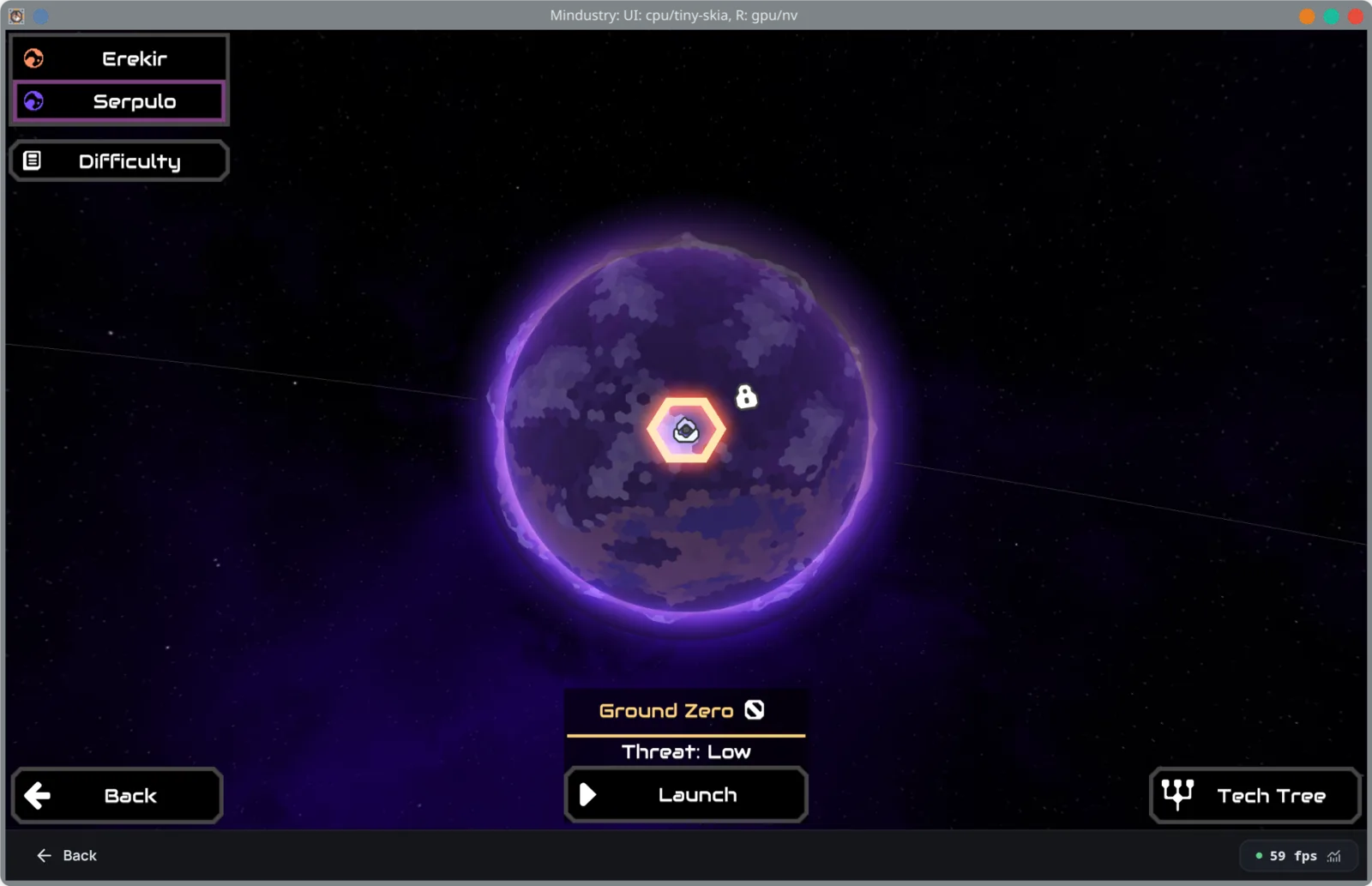
Each Android app opens in its own resizable window, next to your Linux apps.
Your desktop input goes straight to the Android app in the window.
Apps play sound through your desktop’s audio and post notifications to it.
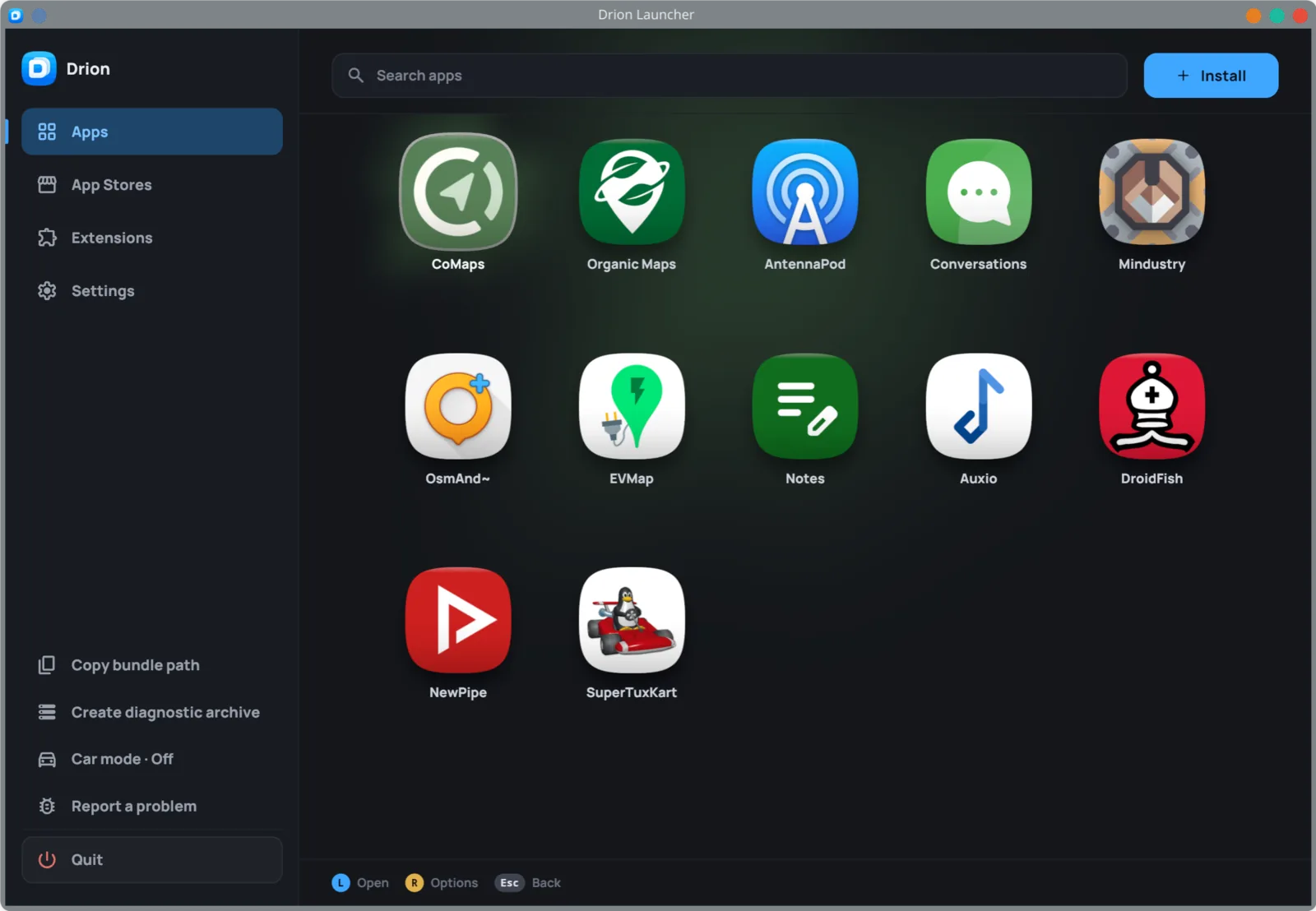
Drion’s launcher installs a regular APK or a split bundle. After that you start the app from the desktop.
How Drion connects to your systemSome of the apps and games we’ve seen working in our test builds. These results are for Drion as a whole, not for Linux desktops alone.
Have an app in mind? Tell us what you want to use.
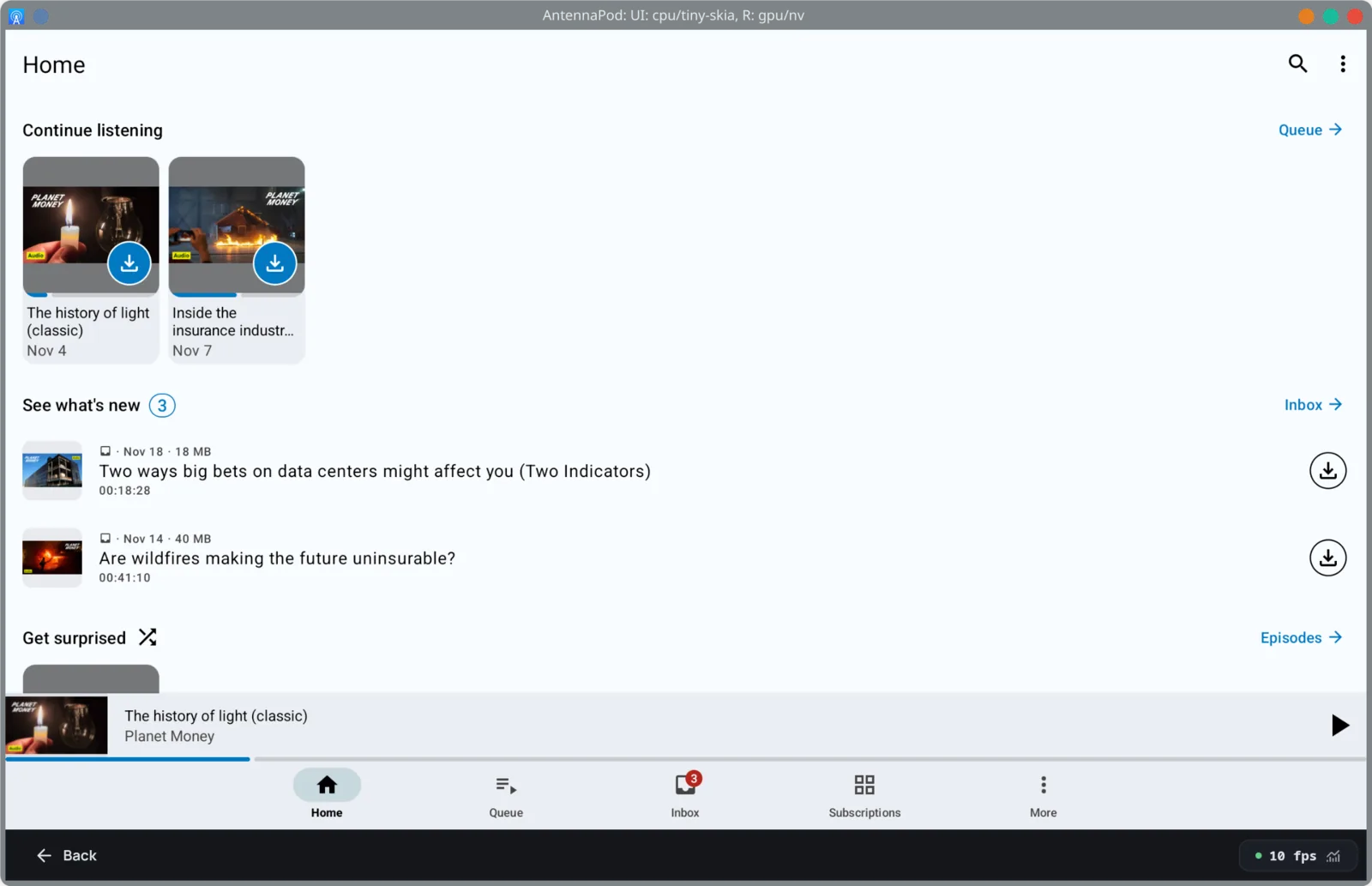
Android apps play through your desktop’s audio, and a podcast can keep playing after you close its window. Their notifications go through your desktop’s notification service. Copy text in an Android app and paste it into a Linux app, or the other way round.
The open alpha starts in 2026. Join the Drion waitlist and we will email you when it does.
Drion comes as an archive or a signed Flatpak. There is no Android container or guest system to set up.
Install regular APKs or split bundles from Drion’s launcher or the command line.
Drion does not support apps that require a certified Android device, certain Play Integrity verdicts or hardware-backed attestation.
DRM-protected video and music do not play in Drion for now.
Drion is 64-bit only. On x86_64, apps with ARM64 native libraries run through the optional Native Bridge translator.
Current desktop builds target x86_64 Linux with Wayland. Your system needs working unprivileged user namespaces, the required sandbox and storage components, and graphics and audio drivers.
Archive and Flatpak packages are supported. Using a prebuilt package does not require building Android or setting up an Android container.
Yes. Drion passes keyboard, mouse, touchscreen, and controller input to Android apps.
On desktop, apps run in regular resizable windows. On Steam Deck, you can navigate Drion’s interface with a controller. Touch-focused platforms use a mobile interface and an on-screen keyboard.
Drion brings Android apps into your existing environment, with app-menu entries, system audio and input, notifications, and link handling.
On Linux desktops, apps can exchange text through the system clipboard. On Ubuntu Touch, file sharing is integrated through Content Hub. The available integrations are tailored to each platform.
Drion is in closed alpha on Linux desktops, and the open alpha starts in 2026. Join the waitlist and we will email you when it does.